
About
Inference with YOLO26 models (Ultralytics)
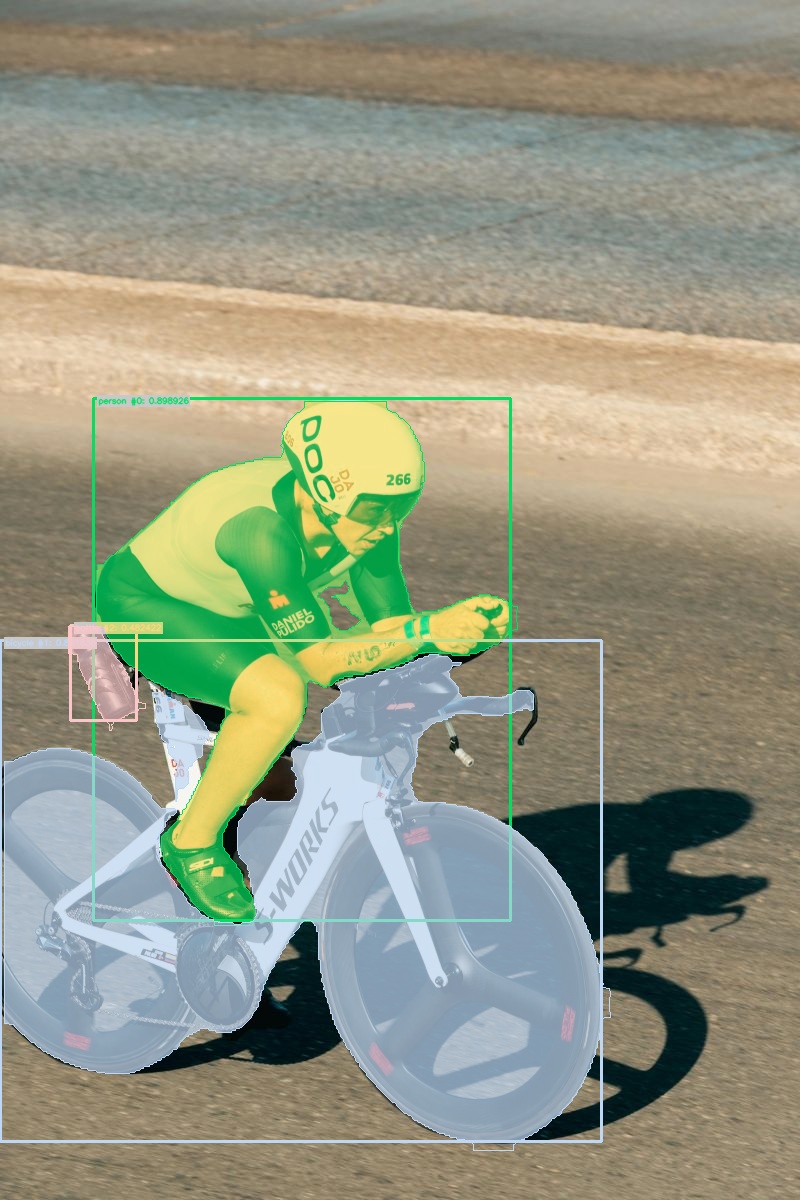
YOLO26 object detection inference powered by Ultralytics models.
🚀 Use with Ikomia API
1. Install Ikomia API
We strongly recommend using a virtual environment. If you're not sure where to start, we offer a tutorial here.
2. Create your workflow
☀️ Use with Ikomia Studio
Ikomia Studio offers a friendly UI with the same features as the API.
- If you haven't started using Ikomia Studio yet, download and install it from this page.
- For additional guidance on getting started with Ikomia Studio, check out this blog post.
📝 Set algorithm parameters
Parameters:
model_name: YOLO26 model variant (yolo26n,yolo26s,yolo26m,yolo26l,yolo26x).cuda: Enable CUDA if available (True/False).input_size: Inference resolution (int, e.g.640).conf_thres: Confidence threshold (float 0-1).iou_thres: IoU threshold for NMS (float 0-1).model_weight_file: Custom.ptpath (empty to use default weights).
🔍 Explore algorithm outputs
Every algorithm produces specific outputs, yet they can be explored them the same way using the Ikomia API. For a more in-depth understanding of managing algorithm outputs, please refer to the documentation.
Developer

Ikomia
License
GNU Affero General Public License v3.0
Permissions of this strongest copyleft license are conditioned on making available complete source code of licensed works and modifications, which include larger works using a licensed work, under the same license. Copyright and license notices must be preserved. Contributors provide an express grant of patent rights. When a modified version is used to provide a service over a network, the complete source code of the modified version must be made available.
| Permissions | Conditions | Limitations |
|---|---|---|
Commercial use | License and copyright notice | Liability |
Modification | State changes | Warranty |
Distribution | Disclose source | |
Patent use | Network use is distribution | |
Private use | Same license |
This is not legal advice: this description is for informational purposes only and does not constitute the license itself. Provided by choosealicense.com.