
About
Inference with RF-DETR segmentation models
Run RF-DETR instance segmentation models.
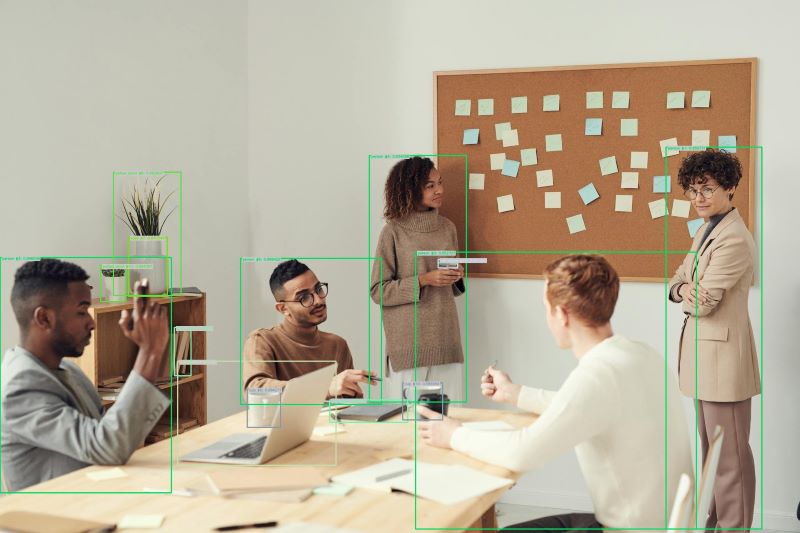
🚀 Use with Ikomia API
1. Install Ikomia API
We strongly recommend using a virtual environment. If you're not sure where to start, we offer a tutorial here.
2. Create your workflow
☀️ Use with Ikomia Studio
Ikomia Studio offers a friendly UI with the same features as the API.
- If you haven't started using Ikomia Studio yet, download and install it from this page.
- For additional guidance on getting started with Ikomia Studio, check out this blog post.
📝 Set algorithm parameters
- model_name (str) - default
rf-detr-seg-medium: Name of the RF-DETR segmentation model. Available models:rf-detr-seg-nanorf-detr-seg-smallrf-detr-seg-mediumrf-detr-seg-baserf-detr-seg-large
- input_size (int) - default
576: Size of the input image. It is adjusted automatically to a valid RF-DETR block size when needed. - conf_thres (float) - default
0.5: Confidence threshold for predictions, between0and1. - cuda (bool): If
True, run inference on GPU when CUDA is available. IfFalse, run on CPU. - model_weight_file (str, optional): Path to a custom RF-DETR segmentation weight file.
- config_file (str, optional): Path to a YAML file for a custom model. Required when
model_weight_fileis set. It must defineclasses, and can also definemodel_name.
Parameters should be in strings format when added to the dictionary.
🔍 Explore algorithm outputs
Every algorithm produces specific outputs, yet they can be explored them the same way using the Ikomia API. For a more in-depth understanding of managing algorithm outputs, please refer to the documentation.
Developer

Ikomia
License
Apache License 2.0
A permissive license whose main conditions require preservation of copyright and license notices. Contributors provide an express grant of patent rights. Licensed works, modifications, and larger works may be distributed under different terms and without source code.
| Permissions | Conditions | Limitations |
|---|---|---|
Commercial use | License and copyright notice | Trademark use |
Modification | State changes | Liability |
Distribution | Warranty | |
Patent use | ||
Private use |
This is not legal advice: this description is for informational purposes only and does not constitute the license itself. Provided by choosealicense.com.